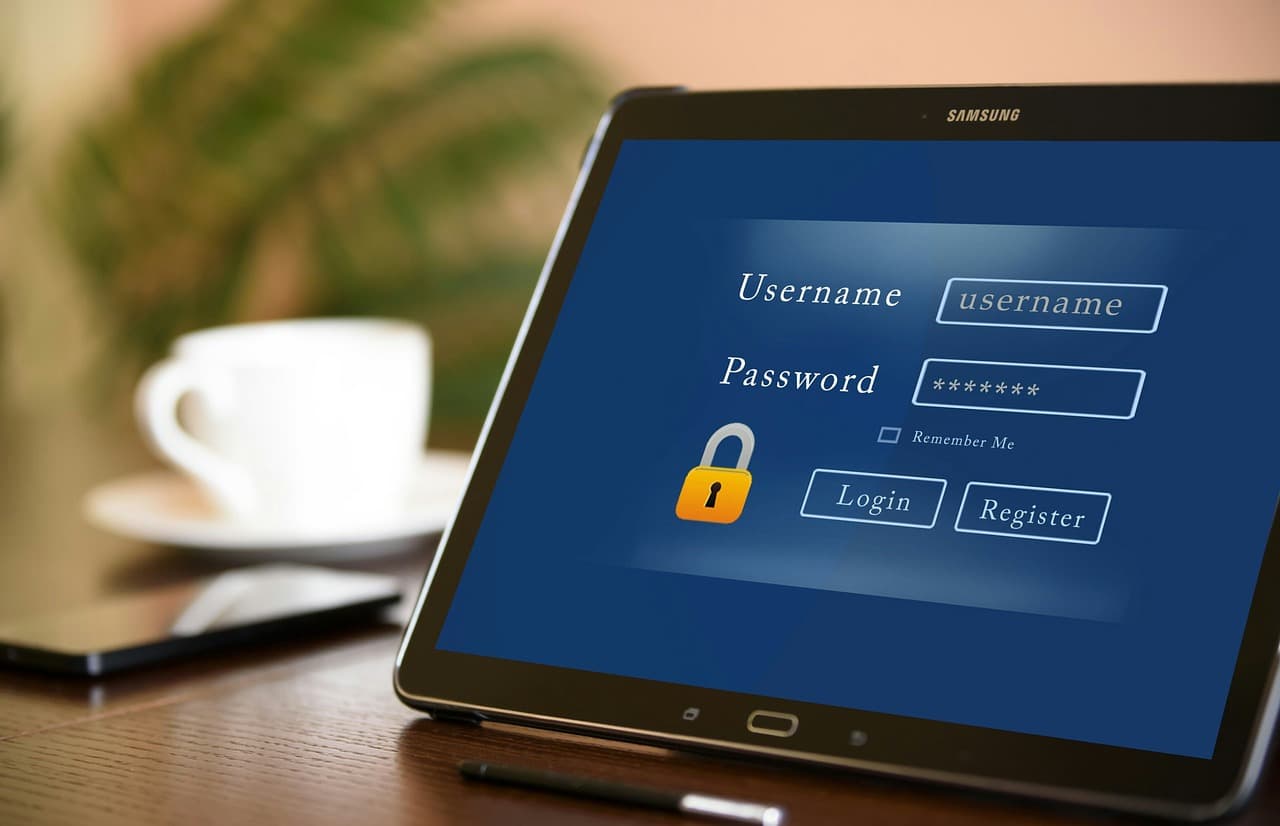
The average employee manages 100+ passwords. Without a password manager, they'll reuse passwords, write them down, or use weak ones. All of these create security risks.
A business password manager solves this by generating strong, unique passwords and storing them securely. Employees only need to remember one master password.
Look for features like secure sharing (for team accounts), admin controls, breach monitoring, and SSO integration. Most enterprise plans cost $5-8 per user per month.
Adoption is the hardest part. Start with IT and leadership, then roll out department by department. Provide training and make it easy to import existing passwords.
Key takeaways
- Password reuse is a business risk and a help desk time sink.
- Choose a manager with secure sharing, admin controls, and audit logs.
- Roll out in phases and make adoption easy with imports and training.
- Pair password managers with MFA and access reviews.
Recommended services
View all services
Managed IT Services
Continuous monitoring and proactive maintenance that prevents problems before they impact your operations.

Cybersecurity Training
Empower your team to recognize and prevent cyber threats through engaging, practical training programs that build lasting security awareness.

Security Assessments
Comprehensive evaluation of your entire security posture with clear findings and actionable improvement roadmaps.
Sources and References
- Password Security Report(LastPass)
Want help with this?
We can review your current setup and recommend a clear, budget-friendly plan.
Schedule a Free Consultation